Stay in the know about the latest Front features
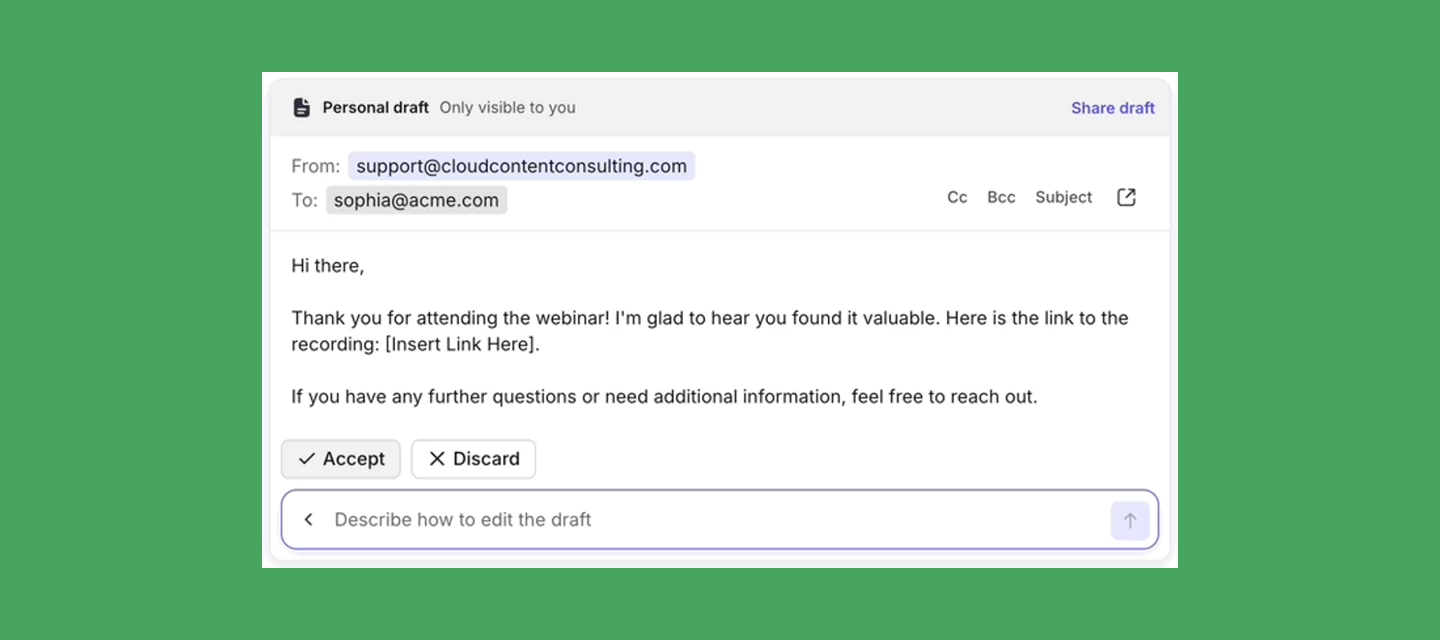
If you start an AI Compose prompt, leave the conversation, and return later, Compose will remain open with your draft intact—so you can pick up right where you left off. Learn more.
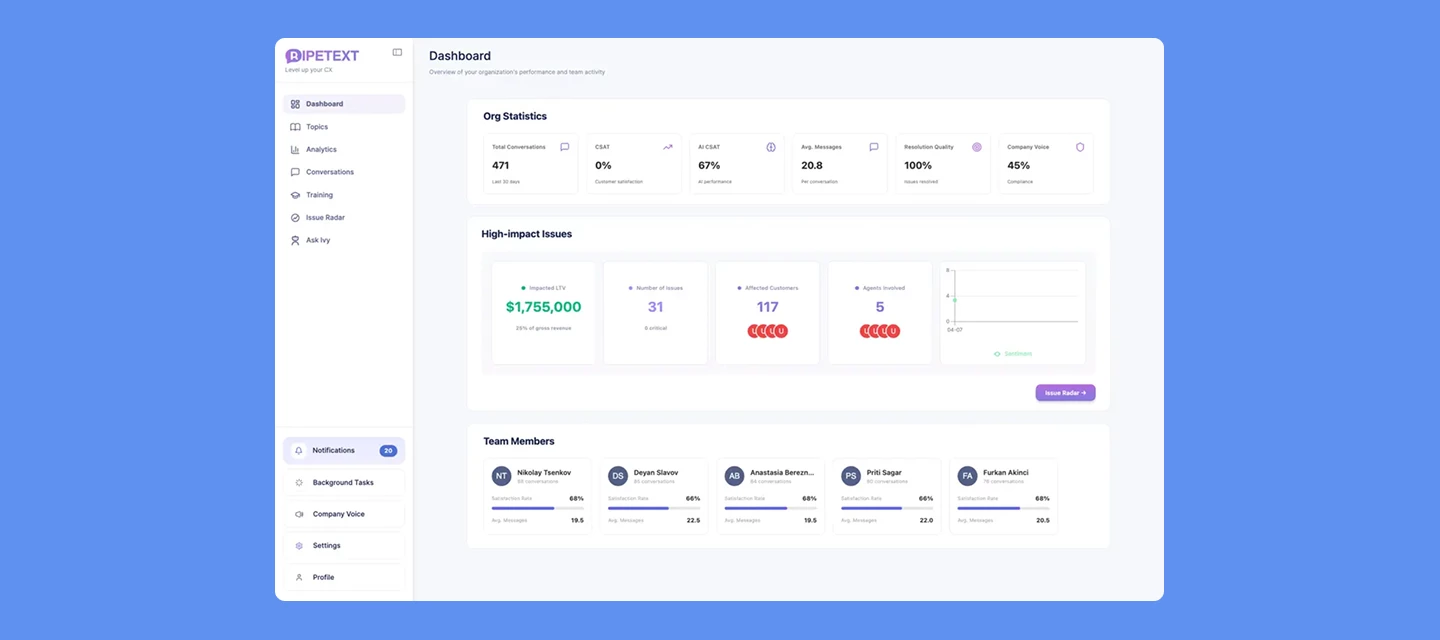
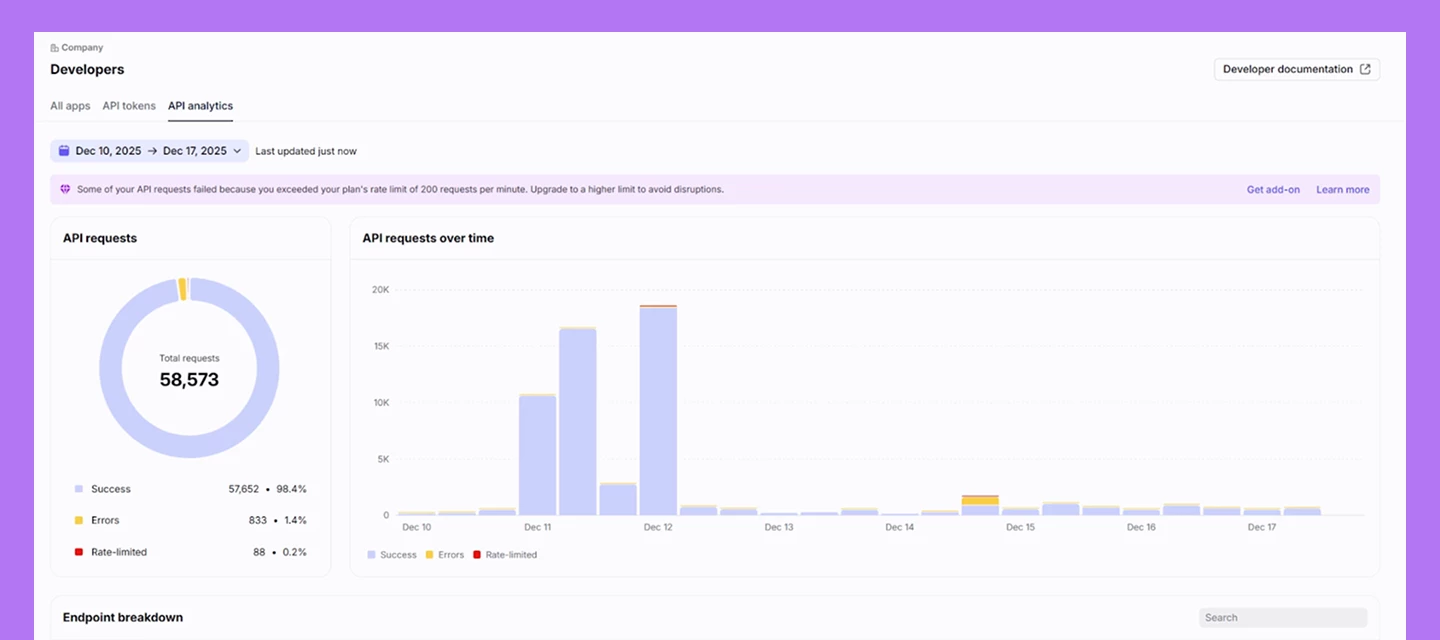
You can now track your Core API request patterns and rate limiting directly in Front with the new API Analytics dashboard. This dashboard makes it easy to monitor your Core API consumption over time, quickly identify which endpoints are generating the most traffic, and spot where you might be hitting rate limits—all without having to piece together information from logs or error messages. Learn more.
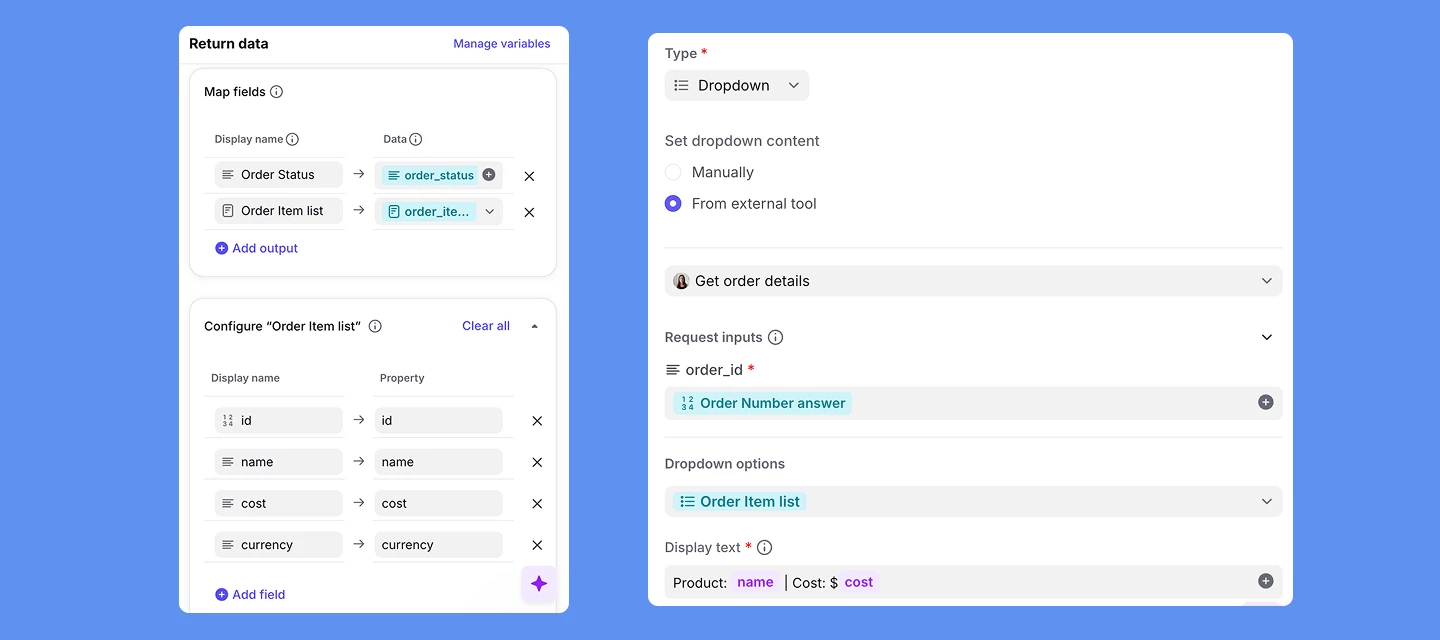
Build smarter, more flexible advanced workflows by pulling live app data directly into macros with these new updates: Live data in macro dropdowns: Admins can now populate macro dropdown fields with real-time data from app requests. Teammates select from live options when running a macro, and their choice flows through the workflow using dynamic variables in Input Capture, Branching, and Actions nodes. New object list app request outputs: App requests now support object lists as an output type. Admins can define a schema for structured data collections, which the dynamic variable system uses to surface the correct fields in macros and rules—powering dynamic dropdowns and more advanced workflows.
New integrations that bring your key tools and data directly into Front: Triumph Rate Intelligence: Bring buy rates, lane data, and capacity directly into Front to quote faster, auto-draft spot quotes, and win more bids with precise, transparent rate intelligence. Albato: Connect Front to hundreds of apps to automate workflows—receive real-time message data, draft and send emails, reply to conversations, and export conversation data for migration. Strada: Connect AI phone agents to Front for real-time call visibility, in-call updates, and post-call summaries, ensuring seamless handoffs between AI agents and human teams. Navattic: Share personalized, interactive product demos directly from Front and track engagement to drive higher demo adoption and conversion across your go-to-market team.
You can now forward messages using message templates in rules and macros, making it easy to add context and data to forwarded messages.
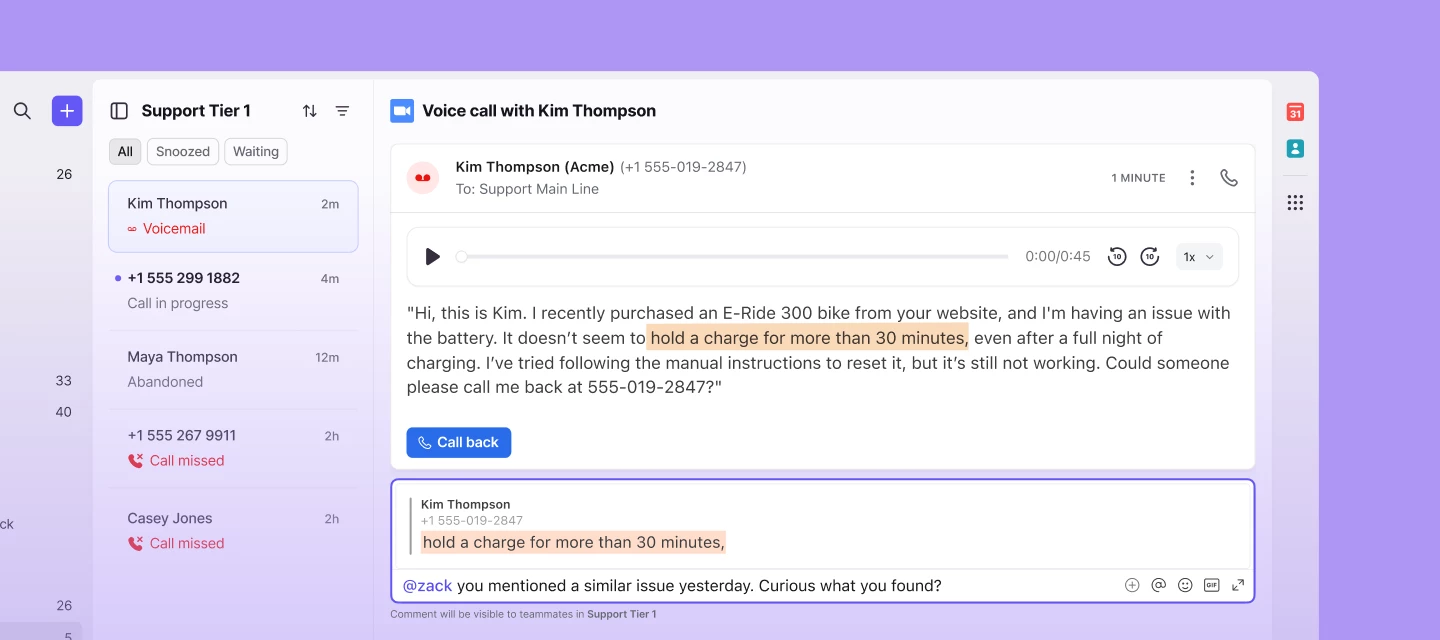
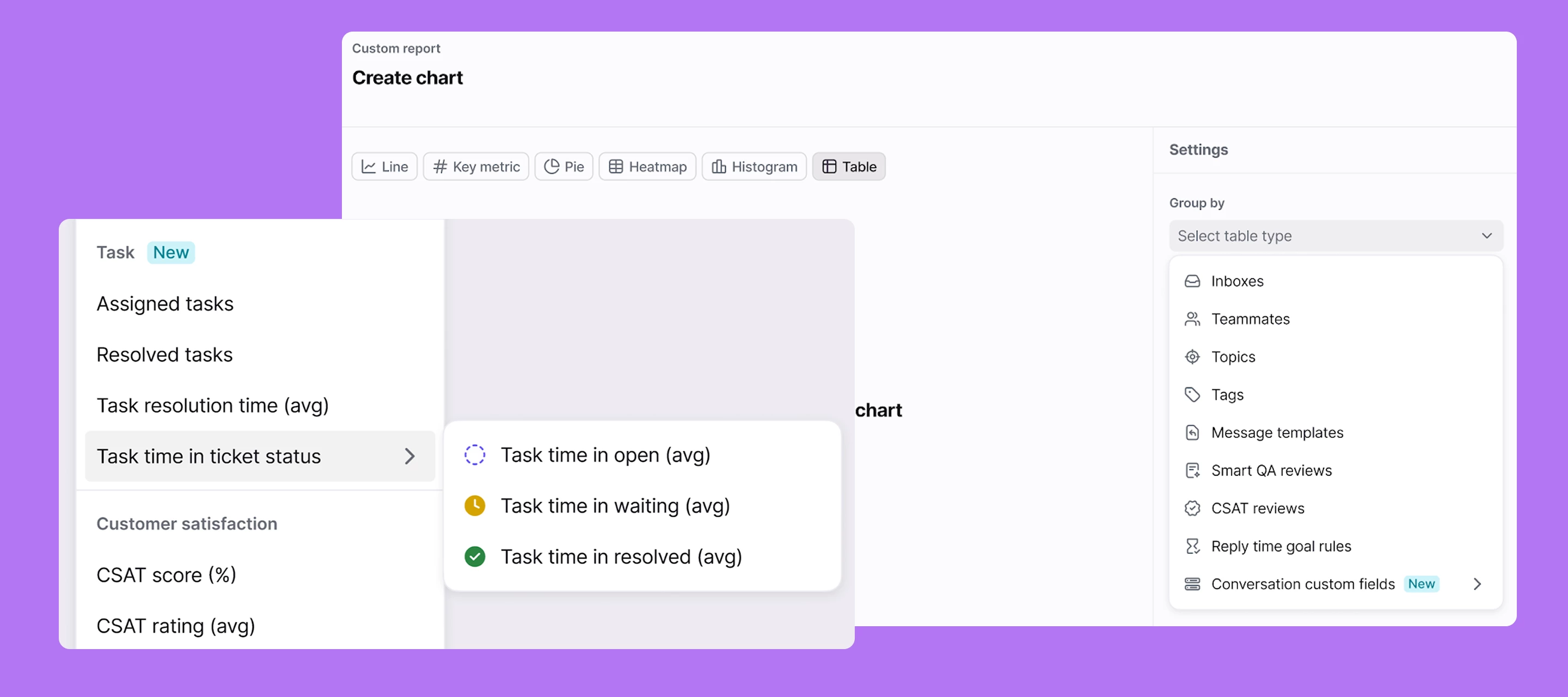
Managers and support leaders can now track omnichannel performance with access to new voice metrics in Front analytics. Metrics available in the Workload report & custom reports:Inbound calls Outbound calls Abandoned calls Missed calls Call time average Call talk time average Call on-hold average Call queue time averageLearn more about voice metrics in Front analytics You can also now sync your team’s statuses between Front and Dialpad/Aircall/RingCentral:A user can now see that they are available in your telephony provider from within Front. Telephony provider → Front status configuration: An admin can now decide if their users' Front statuses should be set to busy when they are on a call. Front → Telephony provider status configuration: An admin can now decide if their Front Out of Office status should set them to unavailable in their telephony provider and Front Available status should set them to available in Dialpad/Aircall/RingCentral. This will mean that when a user changes their status in Front it will make them available or unavailable to take calls. Learn more about Dialpad, Aircall, and RingCentral.
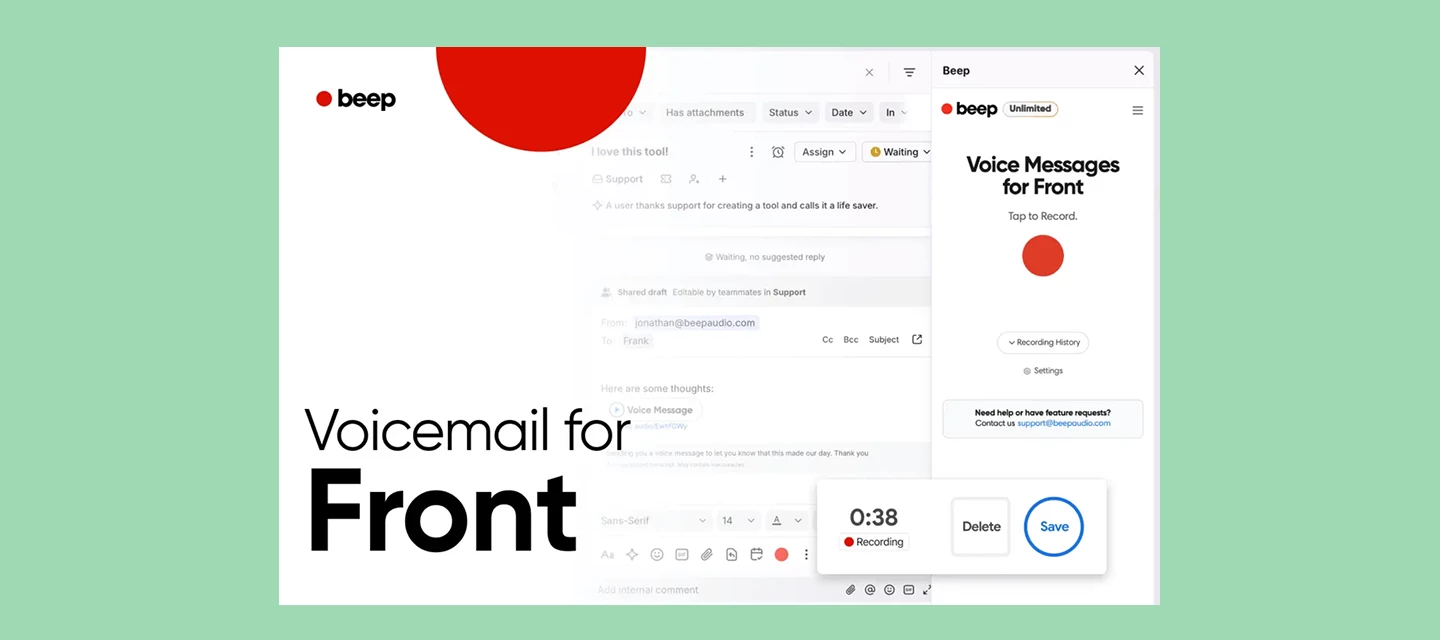
RingCentral is a leading global provider of cloud-based business communications and collaboration solutions that seamlessly combine phone, messaging, video meetings, and contact center. Use Front’s RingCentral integration to seamlessly:Place and receive voice calls directly in your Front inbox Listen, comment, and tag teammates on call recordings Keep agents focused with automatic Busy status updates Send and receive SMS messages directly from FrontLearn more.
Company admins can now create company-level macros and rule templates that work across all workspaces. They also get access to a centralized company rule library for managing shared workflow templates and ensuring consistent rule usage organization-wide.The company rule library includes two new templates built for control: Mirror in inbox: Automatically show conversations in both individual and shared inboxes without moving them so you can increase team visibility and unlock Front AI features for individual inboxes. Block outbound messages: Prevent outbound messages from sending when specified conditions are met.
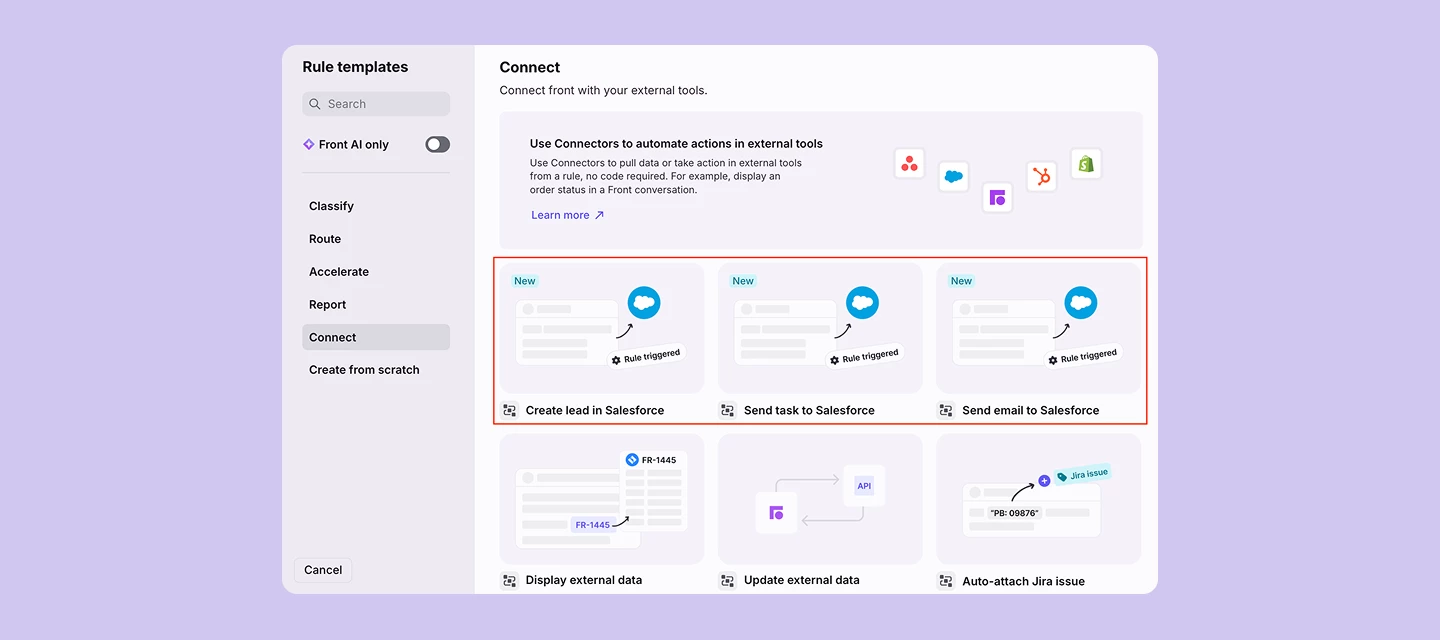
Front’s redesigned HubSpot and Salesforce integrations keep your CRM current with new enhancements:Sleek new user experience Sync contacts on-demand with one click Save time by logging conversations to custom objects and multiple contacts simultaneously, not just one at a time Easy-to-configure, stronger admin controls Take action in your CRM right from Front with Pre-built ConnectorsSee it in action or learn more about HubSpot and Salesforce integrations.
Front AI is now available on Slack Connect and private channels so your team can deliver fast, high-quality support from inside Front, while customers continue chatting in Slack without knowing the difference.Autopilot: Auto-resolve Slack inquiries with replies you trust Copilot: Get suggested replies with AI trained on your past conversations and help content Topics: Categorize threads instantly to power automation and spot trends SmartQA & CSAT: Get service quality insights with zero manual surveys or scorecardsPlus, boost visibility and proactively communicate with customers in Slack from Front: @mention any user in the channel with an auto-complete dropdown. Note: This only supports users in the existing channel, we do not support users not in the channel nor will we invite them to the channel. Compose new outbound messages from Front and have them appear in Slack. See it in action and learn more.
Thanks to your feedback from the summer redesign, the inbox now works harder to keep teams organized and moving. Check out these new inbox updates that make it easier than ever to navigate and act quickly with more visibility: One-click navigation: Seamlessly move between your inbox, calendar, analytics, and more. Customizable sidebar: Access your Discussions and Tasks and customize your sidebar sections to match your preferences. Inbox and workspace indicators: Instantly see which shared inbox and workspace a message belongs to. Expand to see more tags and objects: See more conversation details right in your message header.You can turn on these updates today by clicking on your profile in the bottom left corner, and toggle on Enable inbox improvements. Use this toggle to switch between versions anytime until February 9, 2026, when the updates become permanent. Learn more or see it action here.
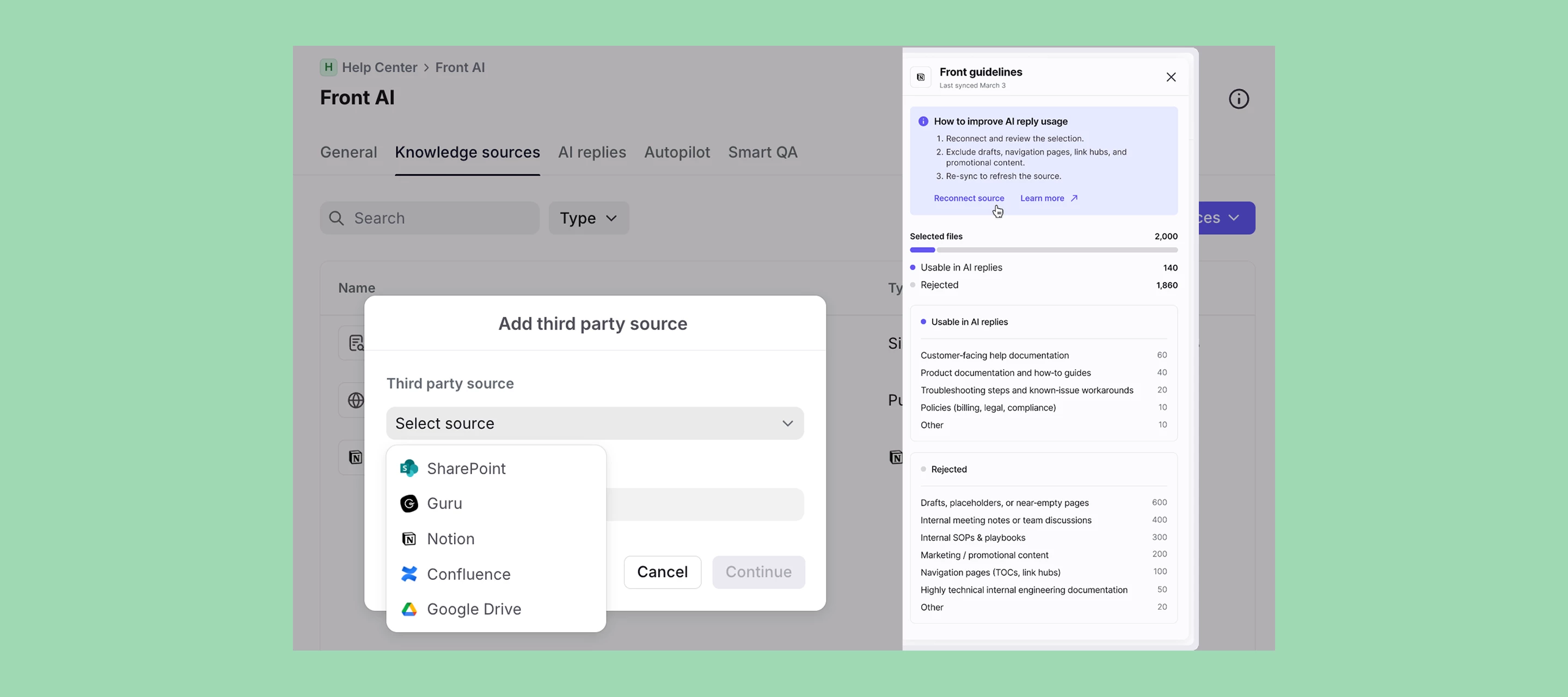
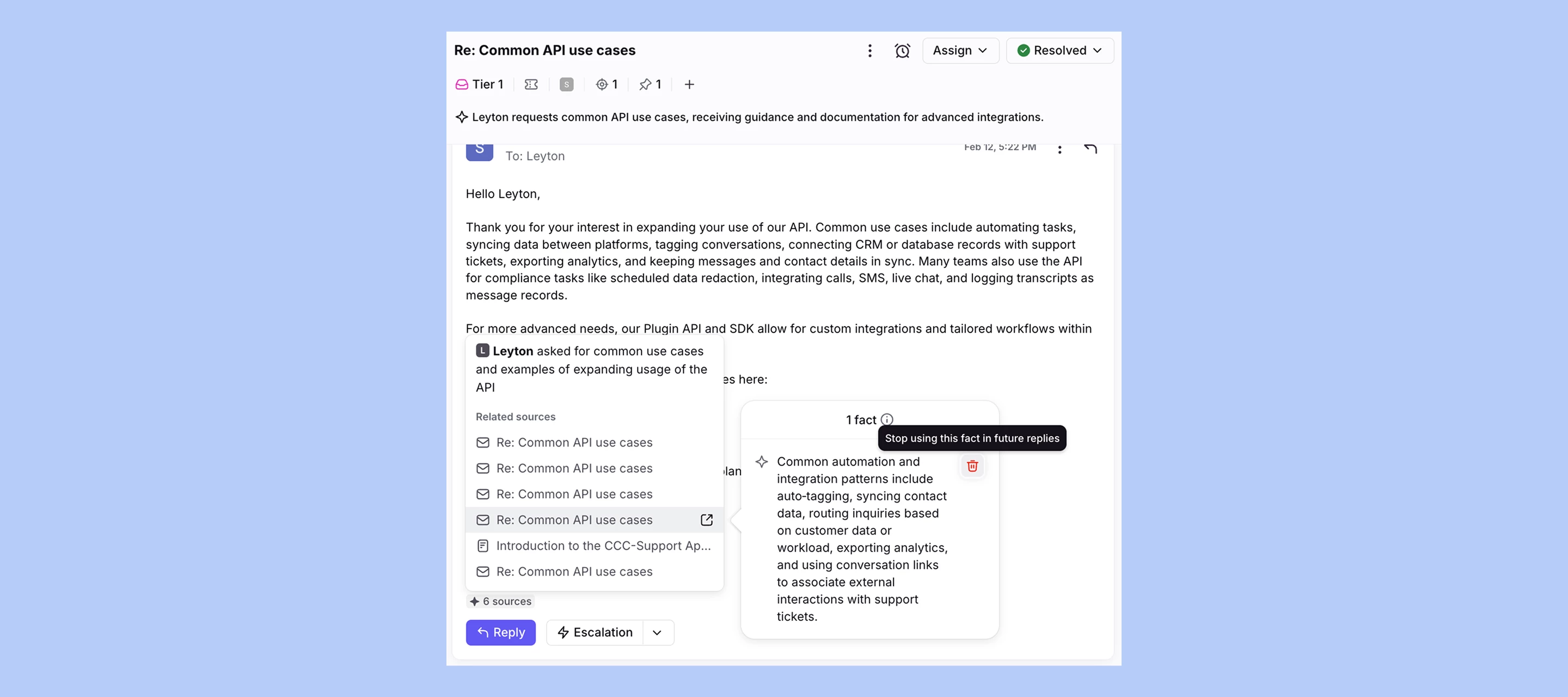
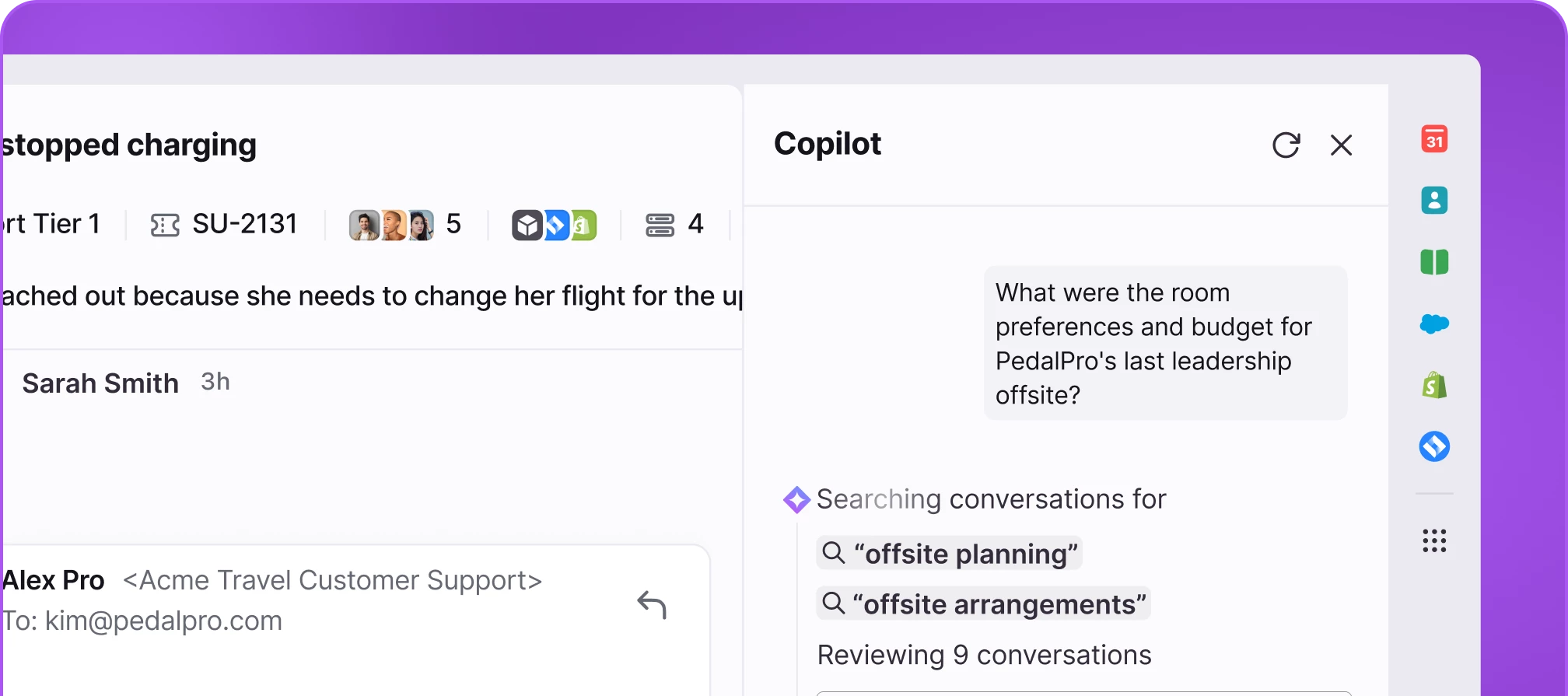
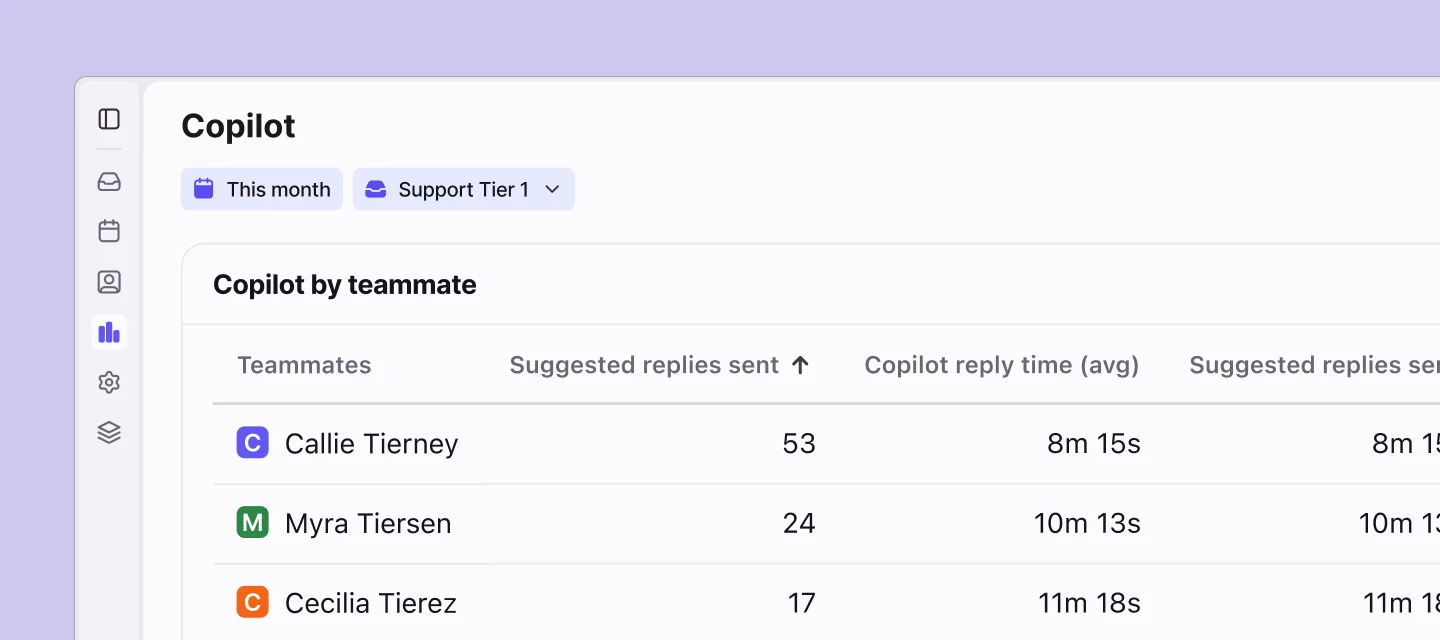
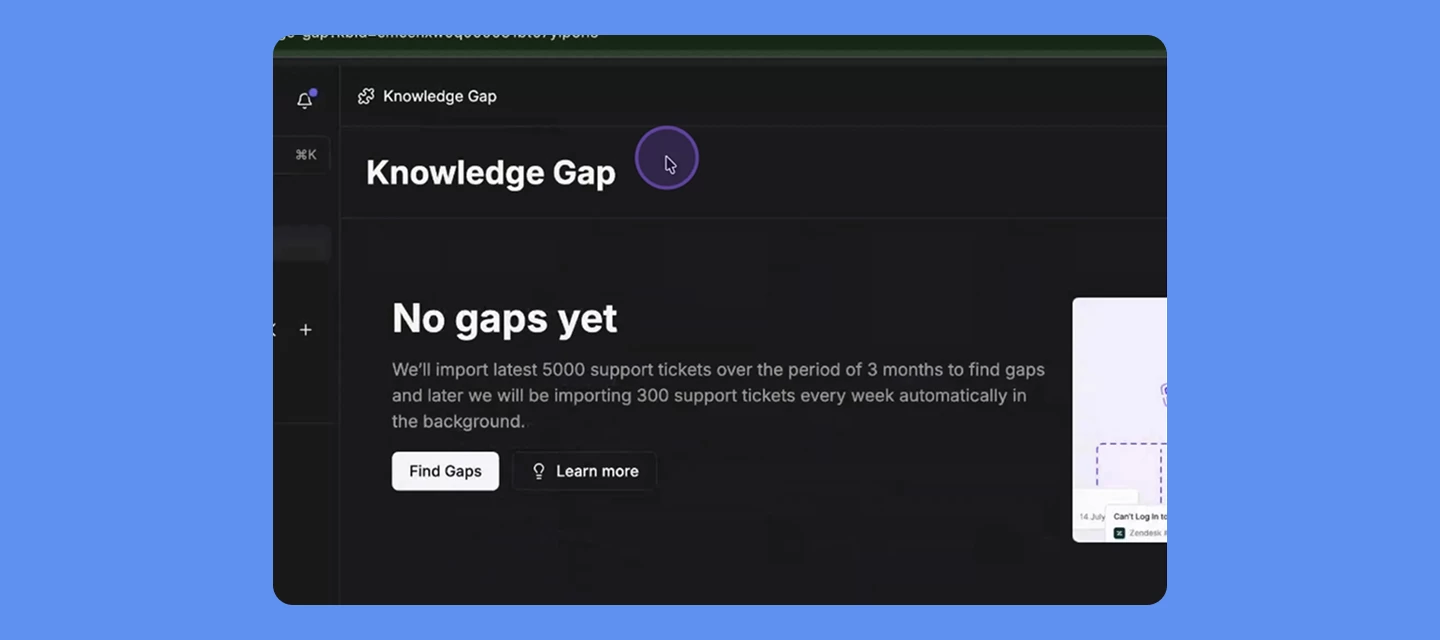
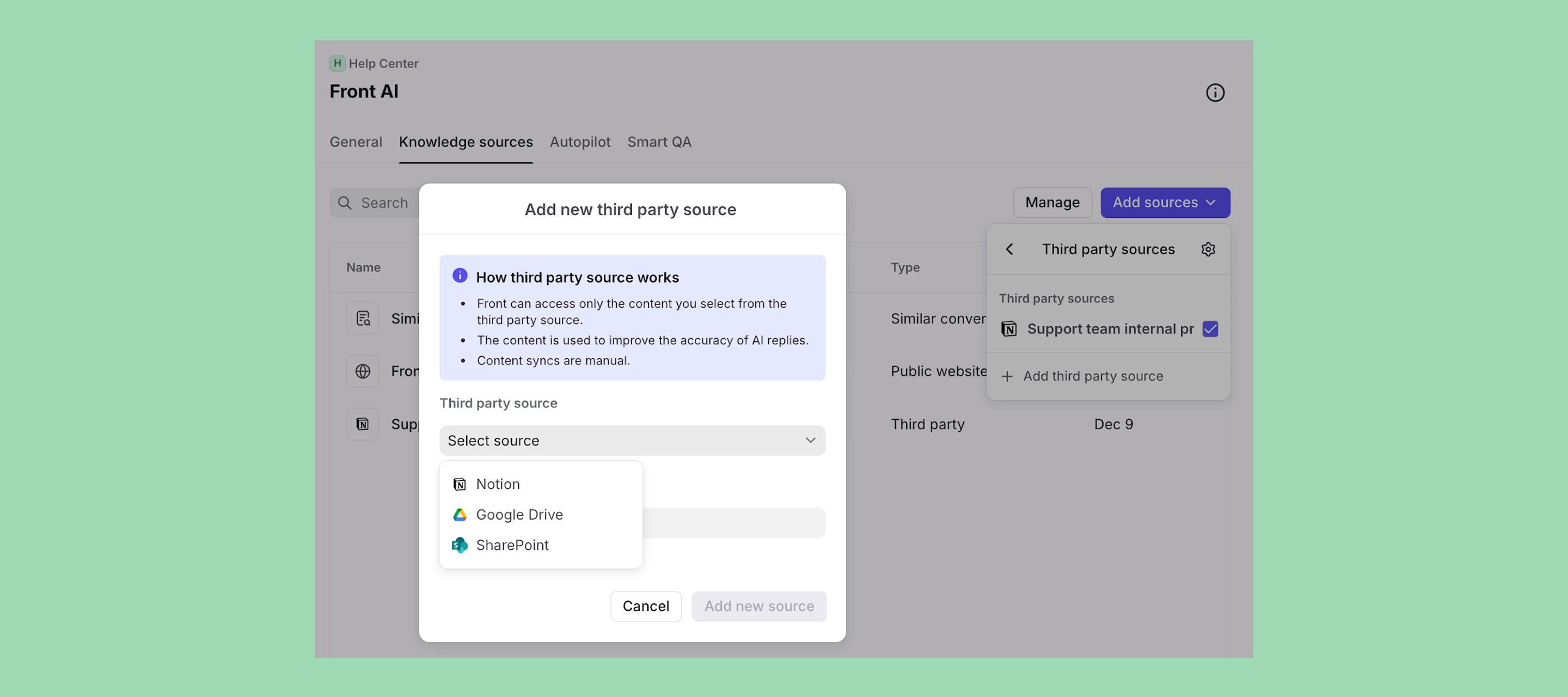
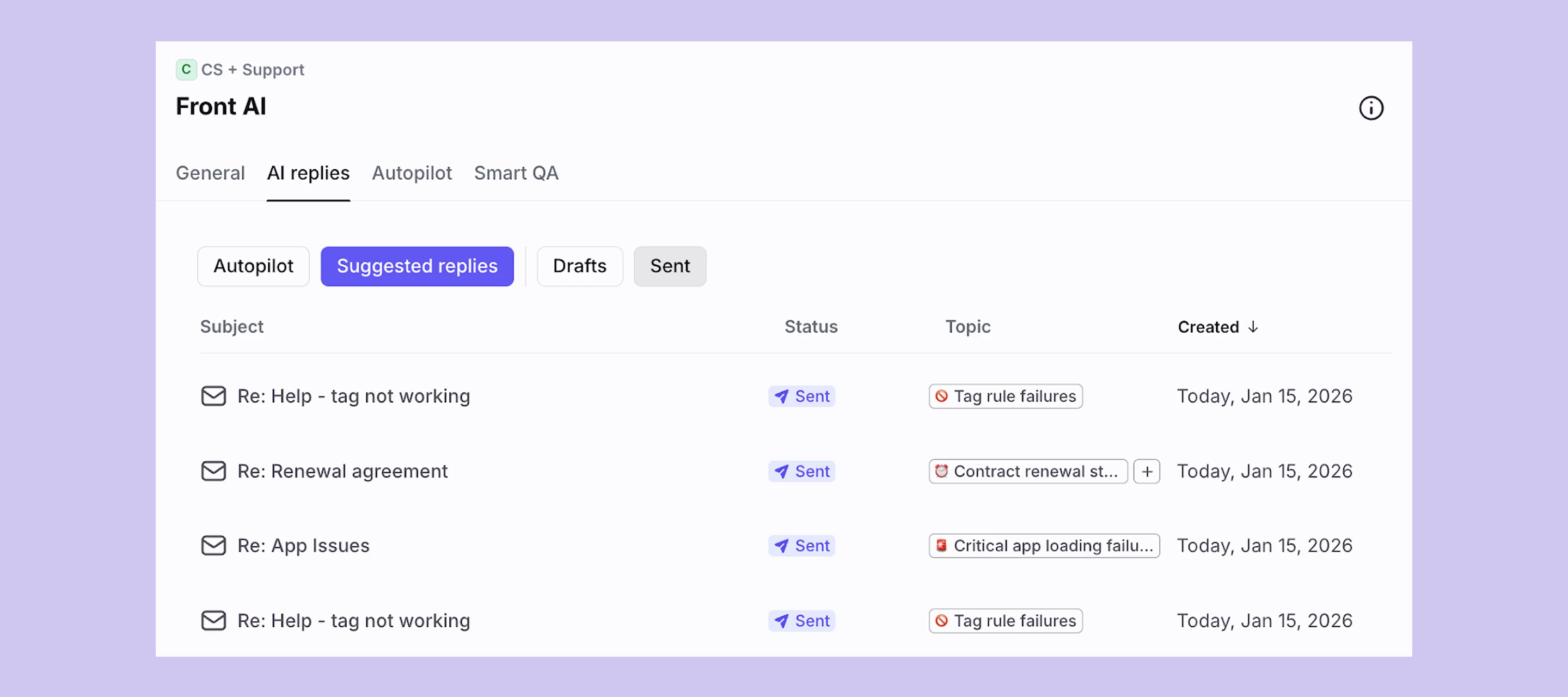
Over the past few weeks, we’ve launched several features for Copilot and Autopilot to make it easier to build smarter automations, stay on-brand, and measure the impact of AI across your team. Here’s a quick look at what’s new.Smarter automationBranch by Autopilot answer: Quickly triage conversations using natural language questions. Extract with Autopilot instructions: Identify, extract, and transform data for more advanced routing and automation. For example, you can use this feature to detect the outbound flight date in a customer's message and escalate if the flight is within 1 day. Generate summary dynamic variable: Summarize a conversation and share it anywhere, such as in a comment or to send to a 3rd party.AI performance & insightsCopilot Report: Track Copilot usage, reply impact, and trends over time with drill-down visibility into conversation-level data. Autopilot Report: Measure automation coverage, resolution impact, and performance trends to understand Autopilot’s contribution to workload. Tone matching: Copilot and Autopilot now automatically match your team’s tone and writing style to generate on-brand replies that sound like you. Improved knowledge management: Easily import content hidden behind clicks, like public Google Docs, public Notion pages, or other external webpage content, to power Copilot and Autopilot.AI assistanceAI-prompted drafts: Draft or refine messages with a ChatGPT-style prompting experience directly in the composer. Learn more about Copilot, Autopilot, and Autopilot Playbooks.
This update brings a ChatGPT-style prompting experience directly into the Front composer. Prompt AI to draft a reply, rewrite selected text, or iterate on a message—just like you would in ChatGPT, but without leaving the conversation.Learn more.
Branch rules based on AI-evaluated instructions with structured outputs: yes/no or list of items.Why it matters:Faster automation design: describe how in plain English and route based on the AI result Cleaner rules: replace keyword checks with intent-aware logic Structured outcomes: use strict true/false or specific labels to keep downstream actions predictableHow it works: In a branching rule, click the + icon to add a step and select Branch by AI.Available for all customers with the Autopilot add-on. This fully replaces the Ask Front AI dynamic variable.
Credio specializes in developing enterprise-grade autonomous AI solutions for fraud, risk, and compliance teams. These AI agents can be customized for specific use cases, including fraud detection, loan underwriting, and real-time credit risk analysis. The integration of Front with Credio allows AI agents to access customer conversations stored in Front. This enables the agents to send emails directly from Front, helping Front team members respond faster while reducing manual work. Learn more.
The Autohive integration seamlessly connects your Front workspace to Autohive's automation platform, enabling Front team members to manage customer conversations, send messages, and organize communications directly through automated workflows. The integration provides the ability to access and filter conversations, assign them to specific team members, utilize message templates for consistent responses, and coordinate efforts across various inboxes and channels. By combining Front's robust communication tools with Autohive's powerful automation capabilities, this integration helps streamline customer service operations and connect with other platforms.
We’re excited to share that a new Salesforce integration experience is now available in Front! The redesigned integration gives your team more up-to-date reliable data, more control, and smoother workflows.What’s new:One-click on-demand refresh for contact sync Log conversations to custom objects – so conversations map to your company’s unique workflows Capture full conversation history by logging conversations to multiple contacts simultaneously A modern user experience that’s faster, clearer, and easier to configure Admin controls to set mandatory fields and default views for your teamCheck out the new capabilities in this 2-minute demo video.
You can now convert regular rules into branching rules for any rule (individual, company, workspace, etc). Simply open a linear rule, click Convert. Learn more.
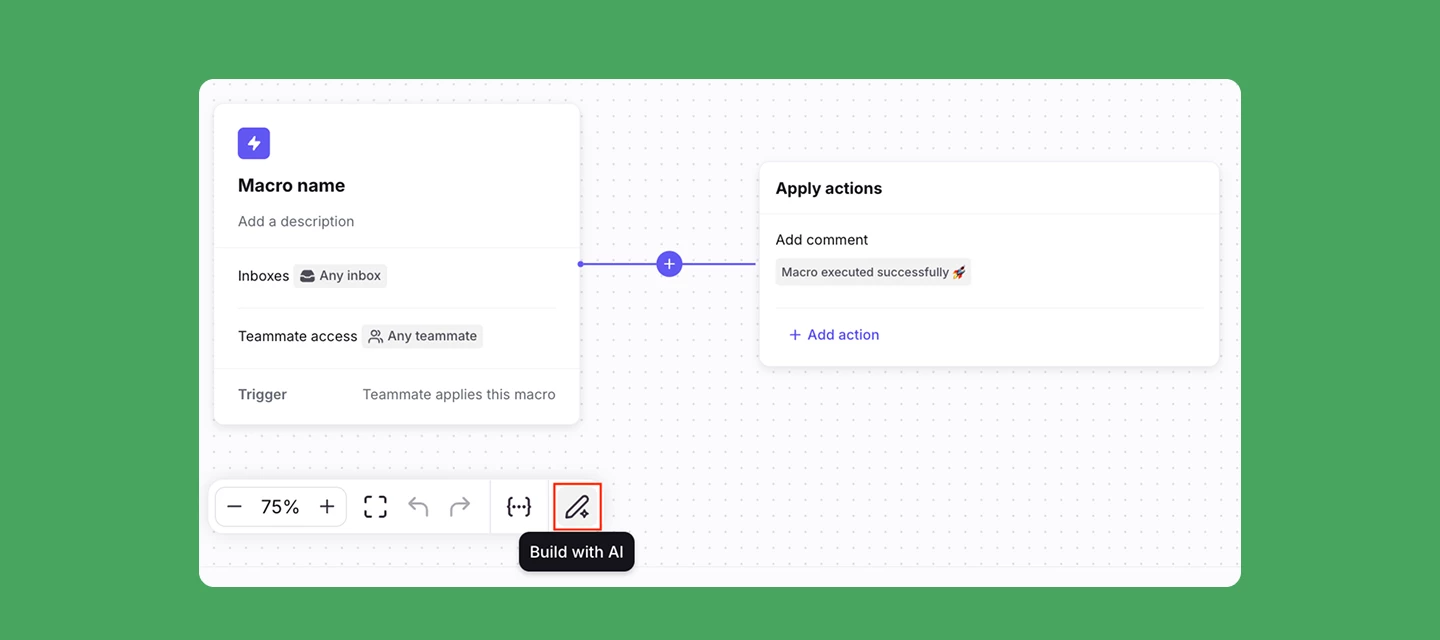
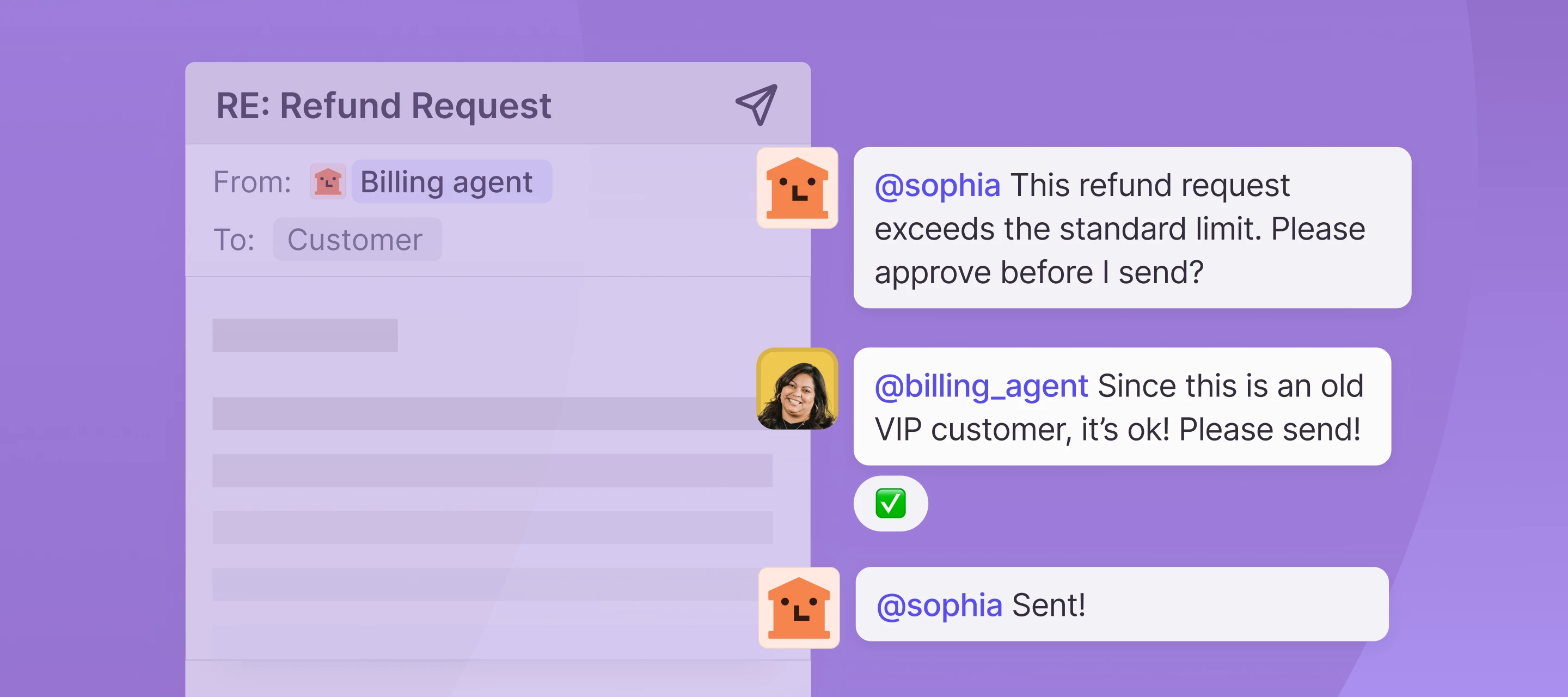
Admins can now use the macro flow builder to create multi-step modals that collect information from their teammates:Build multi-step input capture flows directly in the macro flow Builder Guide teammates through structured information collection with sequential prompts Use answers from previous steps or dynamic variables to dynamically populate the name and description of subsequent steps, making each step contextually relevantThis gives admins flexibility in how they collect information from their team, especially for complex workflows that need multiple pieces of data. See multi-step macros in action with handling Stripe refunds in Front here. Learn more.
Users can now sync a contact to Hubspot, Salesforce, and Outlook Directory whenever they need, without asking an admin to refresh the entire contact list. You can sync contacts on-demand in one click from your integration plugin window or within your inbox.
GitBook helps teams document everything from product knowledge to internal handbooks, creating a central hub for collaborative knowledge sharing. It offers a structured and intuitive way to write, organize, and publish content, ensuring that information is easily accessible and up-to-date for internal teams and external audiences alike.The Front integration for GitBook allows you to display the Front Chat widget on your public documentation to connect and interact with your readers. Each of your connected GitBook spaces will fetch the Front Chat widget script and inject it in your published content, allowing you to communicate with your GitBook audience directly from Front. Learn more.
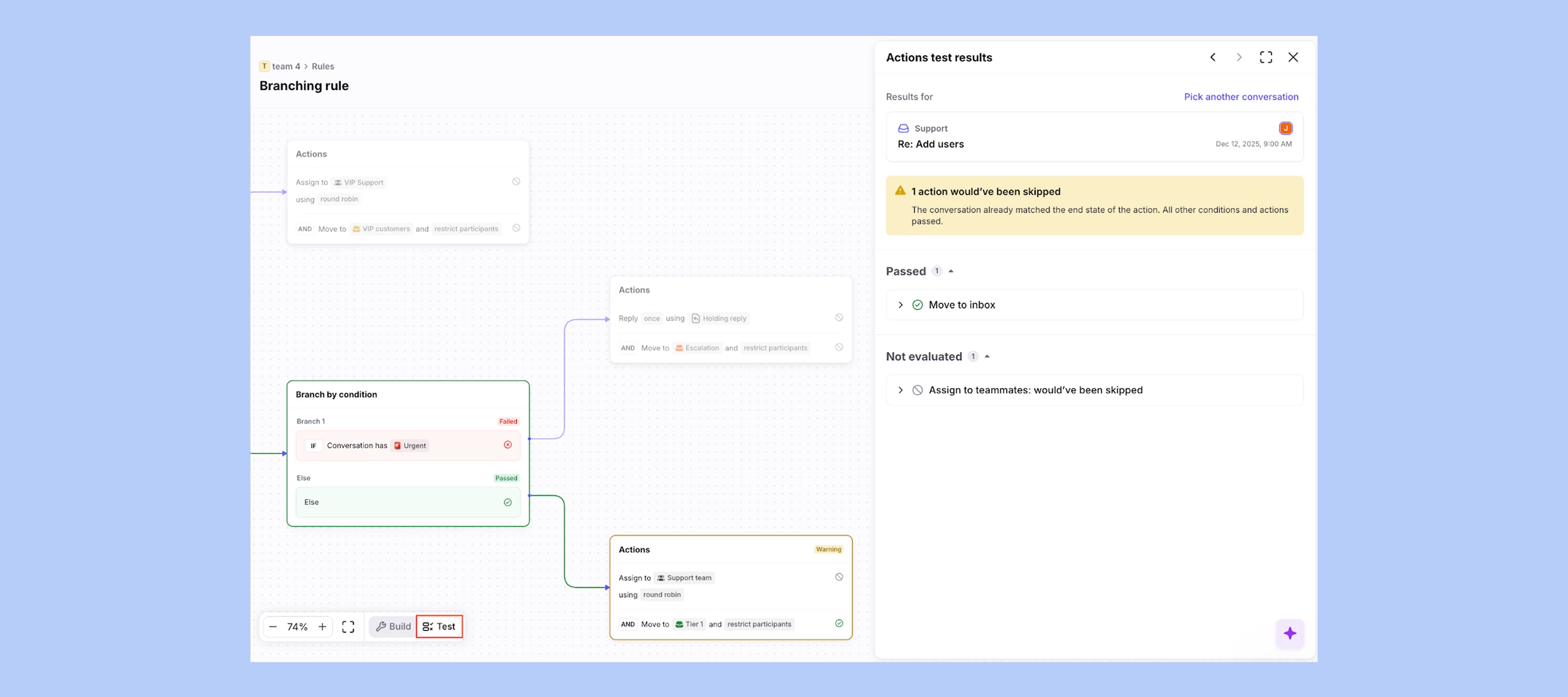
Branching rules let you define multiple action paths from a single trigger, depending on different scenarios so you can consolidate and manage more dynamic workflows within a single rule. For example, you can route conversations based on tags, account owner, business hours, etc. With branching rules, you can also leverage Connectors to check 3rd party systems in conditions and actions and tell Autopilot exactly how to handle complex inquiries with repeatable workflows. When a conversation matches multiple branches, the rule will prioritize the highest path in the list. Learn more.
From managing B2B tech support to collaborating with clients at an agency, more and more teams want to offer 1:1 support on Slack around the clock. Front’s reimagined Slack integration makes that simple. You can now manage Slack conversations in Front from both public and private Slack Connect channels, along with a slew of new features that make support easier to scale. Here’s what’s new:Private channel support: Sync messages from private Slack Connect channels to manage 1:1, VIP, and customer conversations directly in Front. New threading mode: Condense multiple Slack messages from a single sender into one Front conversation to reduce clutter and keep workflows organized. Reply and react as yourself: When you handle Slack messages from Front, your responses and emoji reactions appear in Slack as if sent by you — not a bot. To you customers, it’ll look just like you’re there with them in Slack. Measure effectiveness with Smart QA & CSAT: Automatically track support quality and satisfaction for Slack conversations alongside your other channels.Learn how to set up a Slack inboxFor existing Slack + Front users, your existing Slack inboxes will continue to work as expected. Moving to the new integration is not required, but these updates will be limited to inboxes using the new integration only.
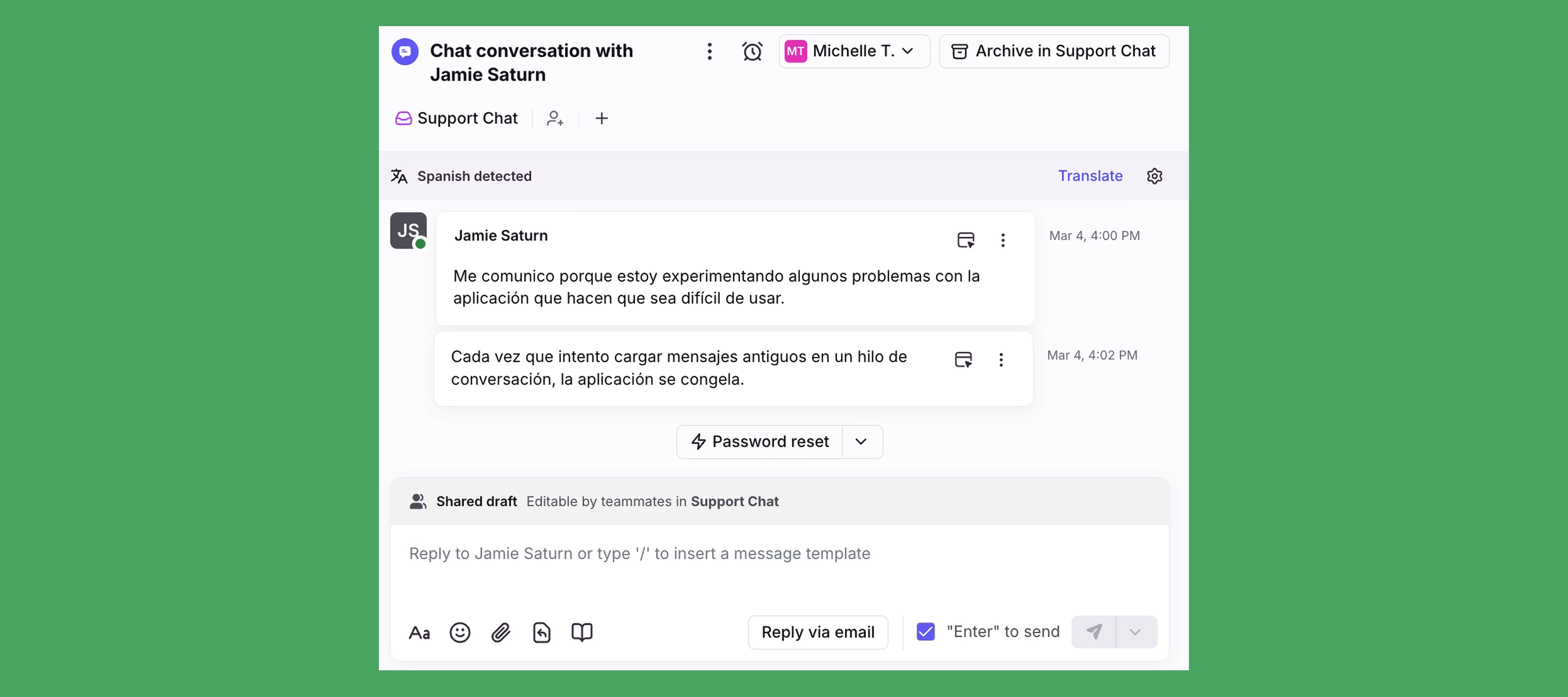
The same AI features you love for email are now also available for customer portal, Front Chat, SMS, and WhatsApp. Analyze, assist, and automate support no matter where the conversation is happening with the following features:Topics: Analyze conversation history to understand customer contact reasons and power automation. Copilot: Give your team a jumpstart on responding while maintaining control and oversight with real-time suggested replies. Smart QA: Optimize agent performance with fully automated QA reviews. Smart CSAT: Infer customer satisfaction across your conversations, no surveys required.With Front AI available on more channels, your team can respond faster and measure service quality wherever conversations happen.Learn more about Front AI.
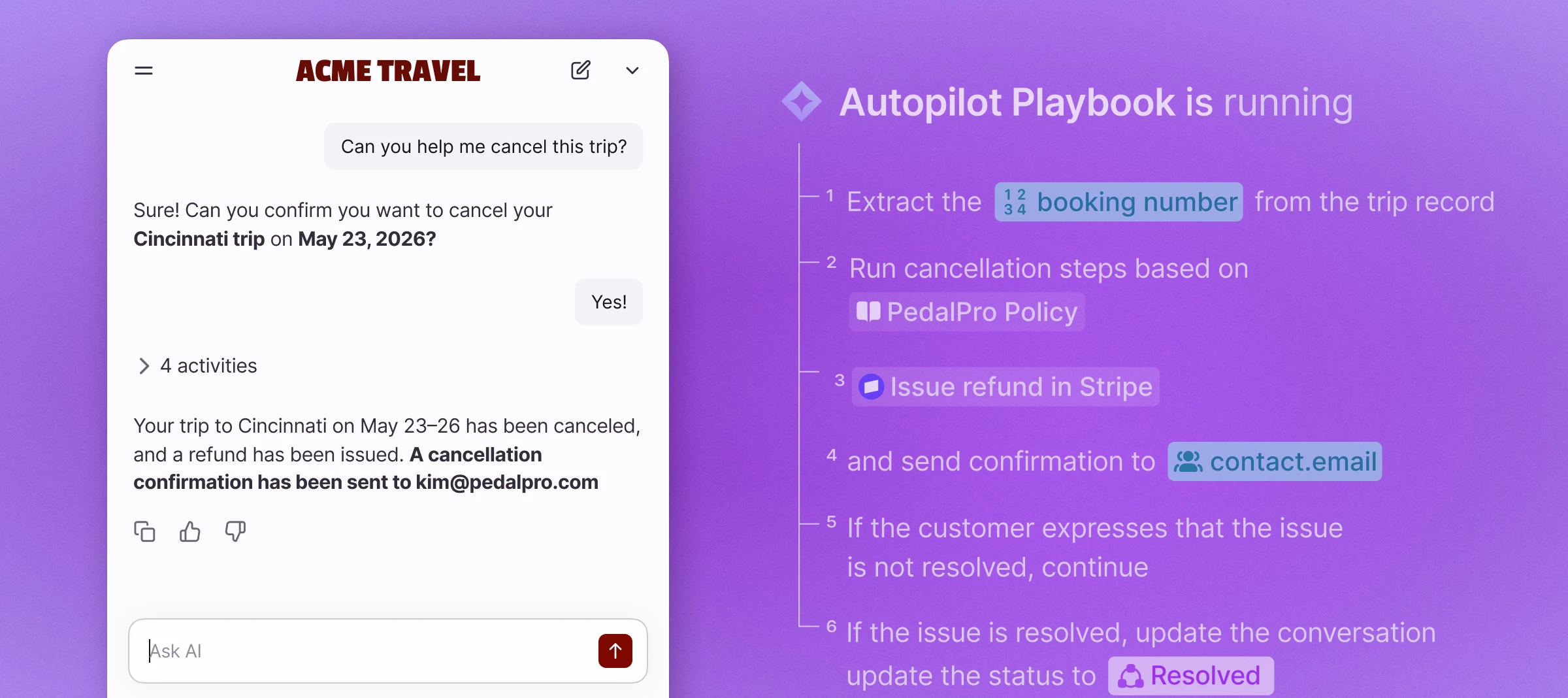
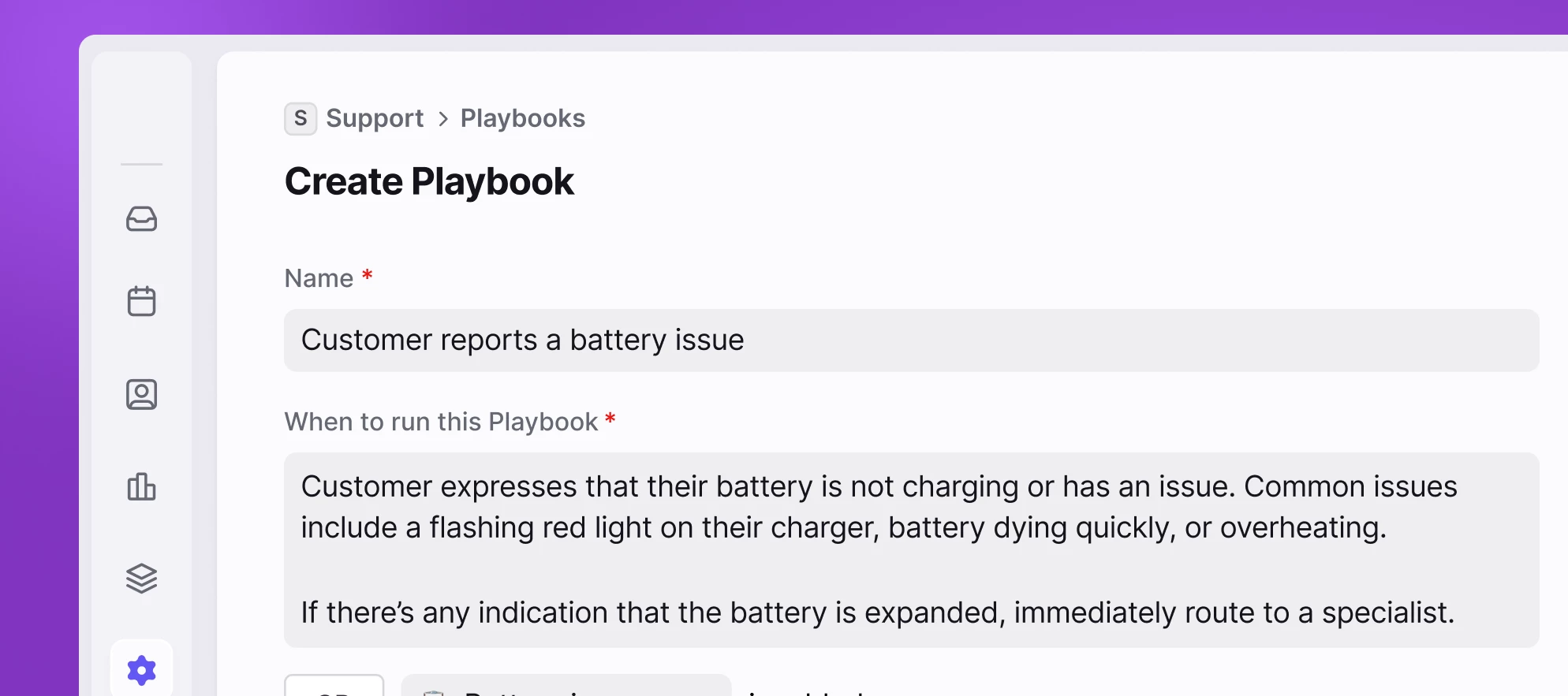
Autopilot is Front’s new omnichannel AI agent that gives admins control over automation. Autopilot only handles what’s safe to automate — fully autonomous when it should be, and smart enough to hand off when it shouldn’t. With Autopilot, you can:Take a quality-first approach to automation: Autopilot lets you decide exactly which Topics should be handled by AI and which should go to humans. Deliver 24/7 support across channels: Resolve routine questions in seconds with AI-powered auto-replies informed by your help content and conversation history. Build flexible, repeatable workflows with Playbooks: Create branching rules with AI-prompted replies and connect third-party data. Autopilot is available as an add-on for $0.89 per resolution. Start a free 14-day trial from the Front AI page in your workspace settings.Learn more about Autopilot.
No account yet? Create an account
Enter your E-mail address. We'll send you an e-mail with instructions to reset your password.
Sorry, we're still checking this file's contents to make sure it's safe to download. Please try again in a few minutes.
OKSorry, our virus scanner detected that this file isn't safe to download.
OK